Add Mini-App to a Grid
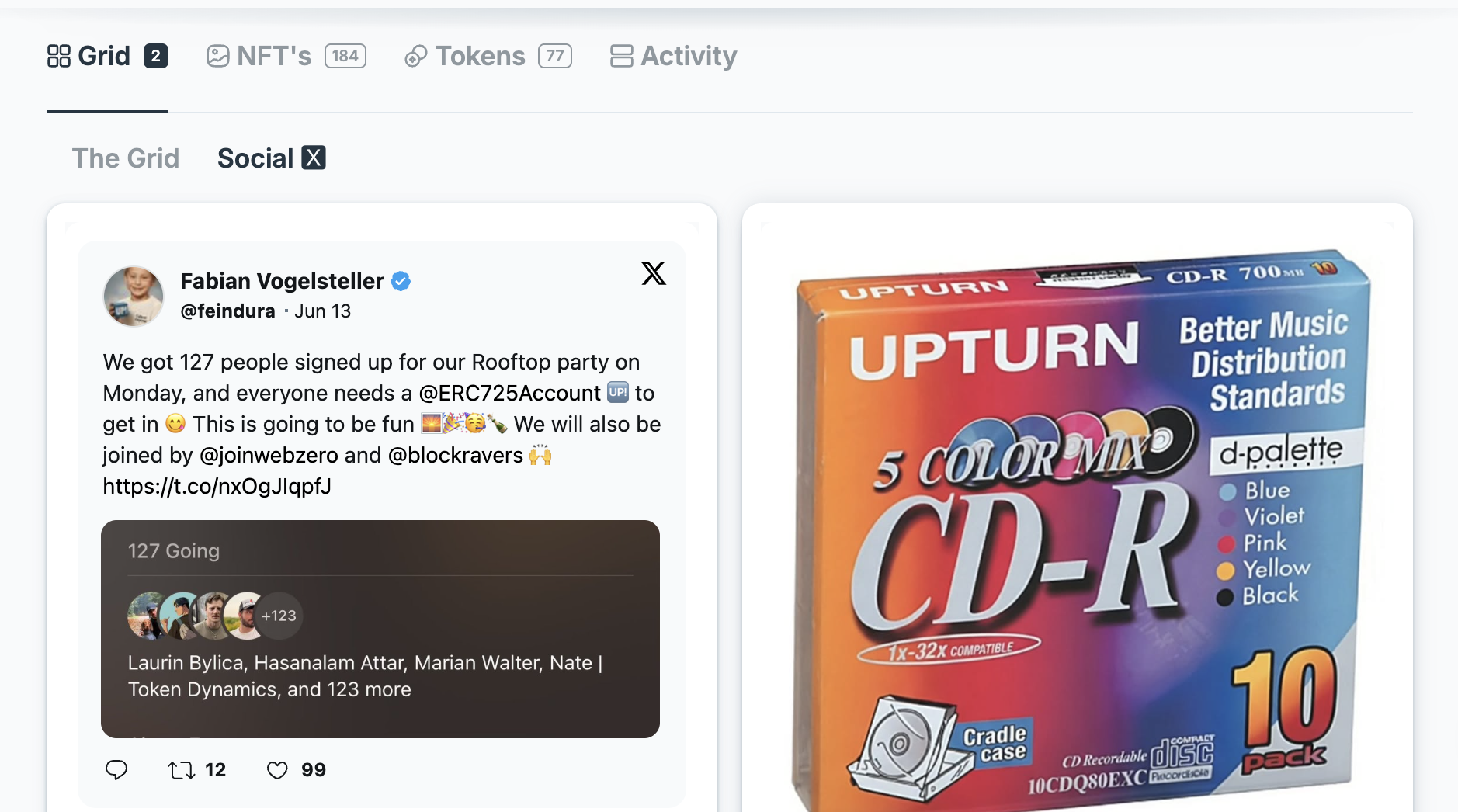
A Universal Profile Grid can host Mini-Apps, social embeds, images, and other interactive content.
You can let users add a Mini-App to their Universal Profile Grid on universaleverything.io by linking them to the /add-widget route with a data query parameter.
The data parameter contains the Grid widget configuration:
{
  "properties": {
    "src": "https://warpcast.com/realfeindura"
  },
  "type": "IFRAME",
  "width": 1,
  "height": 3
}
URL Format
For a basic iframe Mini-App, the data parameter contains the widget JSON shown
above. The raw JSON form below is useful for readability, but should not be copied
directly as a link because the JSON must be URL-encoded when used in a query string:
https://universaleverything.io/add-widget?data={"properties":{"src":"https://warpcast.com/realfeindura"},"type":"IFRAME","width":1,"height":3}
When generating the URL from a website or application, encode the JSON before appending it to the query string:
const widget = {
  properties: {
    src: 'https://warpcast.com/realfeindura',
  },
  type: 'IFRAME',
  width: 1,
  height: 3,
};

const url = `https://universaleverything.io/add-widget?data=${encodeURIComponent(
  JSON.stringify(widget),
)}`;
This produces a URL like:
https://universaleverything.io/add-widget?data=%7B%22properties%22%3A%7B%22src%22%3A%22https%3A%2F%2Fwarpcast.com%2Frealfeindura%22%7D%2C%22type%22%3A%22IFRAME%22%2C%22width%22%3A1%2C%22height%22%3A3%7D
Widget Properties
type: The Grid element type. UseIFRAMEfor Mini-Apps embedded from another website.properties.src: The URL loaded inside the iframe.width: The widget width in Grid columns.height: The widget height in Grid rows.
The linked website should be suitable for iframe embedding and should support the space defined by the selected width and height. A taller Mini-App, for example, can use a larger height value to make the embedded interface easier to use.
User Flow
When a user opens the generated link, universaleverything.io will:
- Read and validate the widget data from the URL.
- Ask the user to connect their Universal Profile if they are not connected yet.
- Let the user choose the Grid where the Mini-App should be added.
- Add the Mini-App to the selected Grid.
For the full list of available Grid element properties, see the LSP-28 The Grid specification.
To learn more about the Grid data structure itself, see Setting Your Grid.